
Posted on 22nd February 2022 by Pragati Patel
Automation is the need of the hour. Gone are the days where replying to a customer query must be done manually by a service executive or sending an email notification on completing a delivery item. And the requirements go on…
A brief history of automations
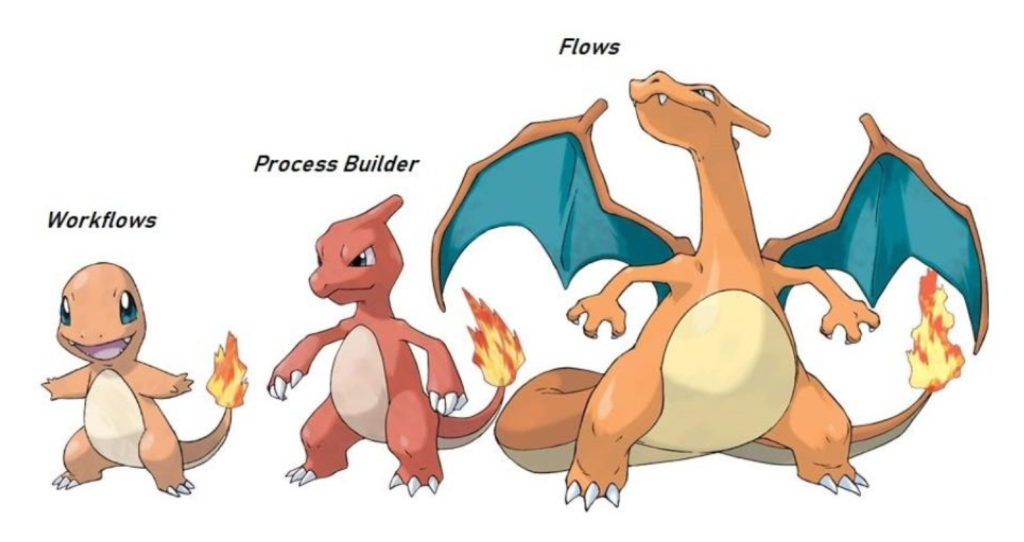
Compiling the information from multiple sources and communicating the same to the correct person is a very basic need of the management. While keeping this requirement in mind, Salesforce created Workflow rules to overcome some of these difficulties. With the increasing requirements and advancements Process Builders and Flows were created after Workflows.
Why Workflows were not enough?
Workflow lets you automate standard internal procedures and processes to save time across your org. A workflow rule is the main container for a set of workflow instructions. However, there were many use cases where workflows fell short of providing a very interactive automation process.
For instance, you could not update the records from a child object to the one that started your workflow.
Process Builder: The Next Generation
Process Builder is a point-and-click tool that lets you easily automate if/then business processes and see a graphical representation of your process as you build.
In addition to setting up if/then conditions to build your logic, you can also choose from a set of pre-defined actions and automate what it would do when the conditions are met.
These value additions made process builders a much more familiar choice over workflows.
Flows: The Present
A flow is the part of Salesforce Flow that collects data and performs actions in your Salesforce org or an external system.
Flow is basically a platform where you can collect any data by finding correct connection and by using them update or launch all automation features are required by user. You get the liberty of building your own logic in a flow. Not only can you add if/then conditions as in process builders, but also you can add loops, assignments, create formulas at runtime and use them in your logic.
Conclusion
To sum it up, we can say that Process Builder and Flow are the upgraded versions of Workflow.
The question that remains is what next…? Well, we know Salesforce keeps evolving and improving its ways so, we will be here only to discuss that.